
Apple’s WWDC 2026 keynote focused heavily on Siri’s AI upgrade and Apple Intelligence, but iOS 27 also includes a wide range of smaller changes that were not mentioned onstage. While none of these updates are major headline features, they are designed to make everyday iPhone use smoother, more customizable, and more efficient.
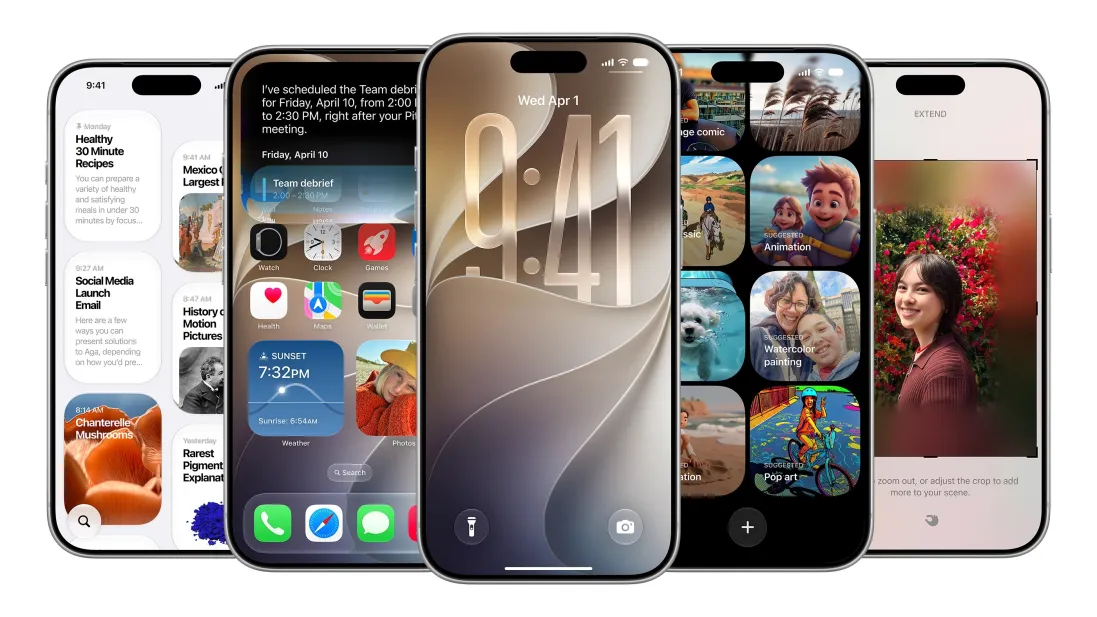
One of the most noticeable changes is the addition of full-screen widgets on the home screen. This allows users to view more information at a glance, such as calendars, news updates, and other live data, without opening individual apps. It gives the home screen a more dynamic, information-rich feel compared to previous iOS versions.
Audio controls are also getting a major improvement. Users can now set separate volume levels for alarms, timers, alerts, and system sounds. This adds more control over how loud different notifications are, instead of relying on a single system-wide volume setting. The feature can be adjusted in Settings under Sounds & Haptics by disabling “Match Ringtone Volume” and manually adjusting sliders.
Text handling is becoming more seamless as well. iOS 27 introduces a smarter clipboard system that makes it easier to paste copied text or images across apps. When content is available in the clipboard, users will see a quick paste suggestion directly from the keyboard, similar to how one-time passcodes are suggested in Messages.
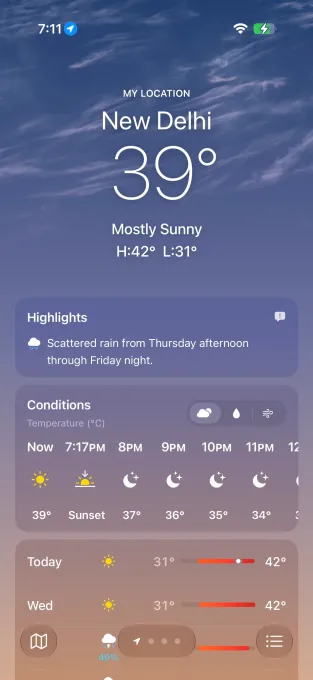
Several built-in apps are also receiving quiet but meaningful updates. The Weather app now includes a redesigned highlights section that surfaces upcoming conditions and events, along with easier navigation between views like Conditions, Precipitation, and Wind.
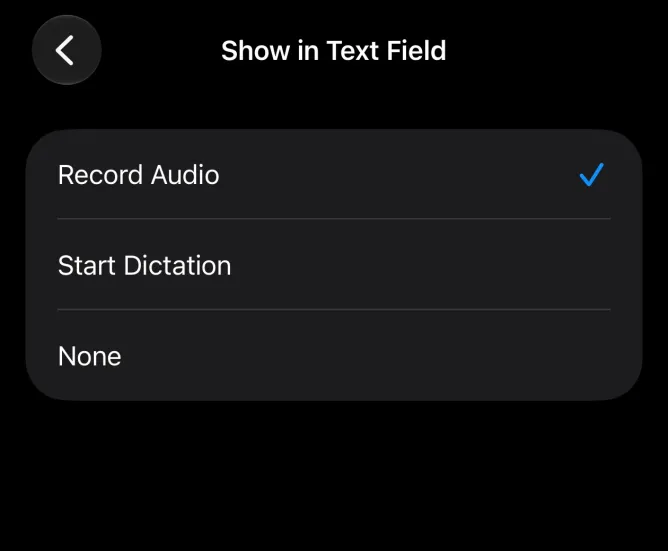
Messages gains new customization options, including the ability to show or hide voice recording and dictation buttons, as well as a new built-in drawing tool for sketches and quick diagrams.
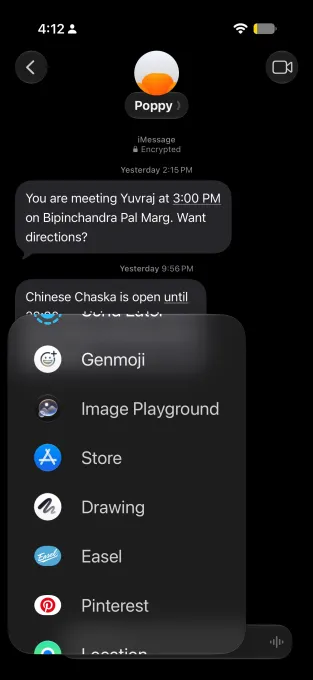
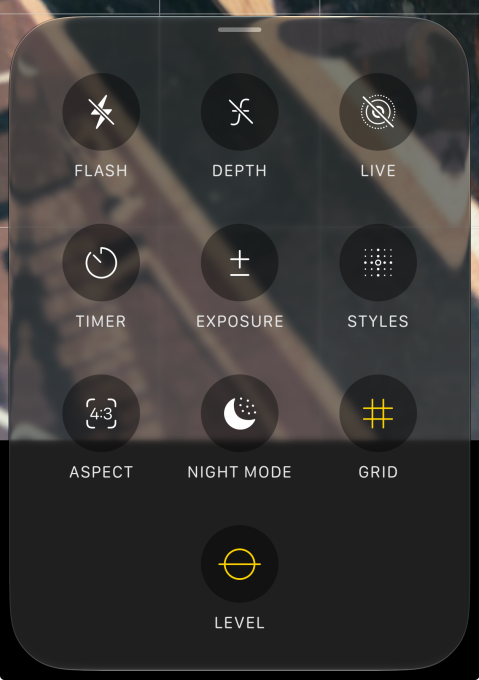
Camera controls are also being refined, with faster access to settings like depth, grid, and level, making it easier to adjust photos before taking them. The emoji keyboard now includes a subtle scroll bar for quicker navigation, while the Timer interface in Control Center has been redesigned with a more intuitive slider layout.
Privacy and sharing controls are also improving. Users will now be able to temporarily hide their location from specific contacts in Find My without notifying them. In addition, the Wallet app introduces the ability to create custom passes, giving users more flexibility for personal use cases.
CarPlay is also gaining a long-requested feature with audio scrubbing support, making it easier to navigate through media playback while driving. Meanwhile, iOS 27 now allows manual syncing for files, photos, and Health data with iCloud, giving users more control over when and how their information updates.
Finally, the Calendar app is getting smarter by detecting holidays and checking whether users still want to keep scheduled alarms or reminders linked to those dates.
Overall, while iOS 27 may not appear as dramatic as Apple’s AI announcements, these under-the-hood improvements add up to a more flexible and user-friendly experience across the system.