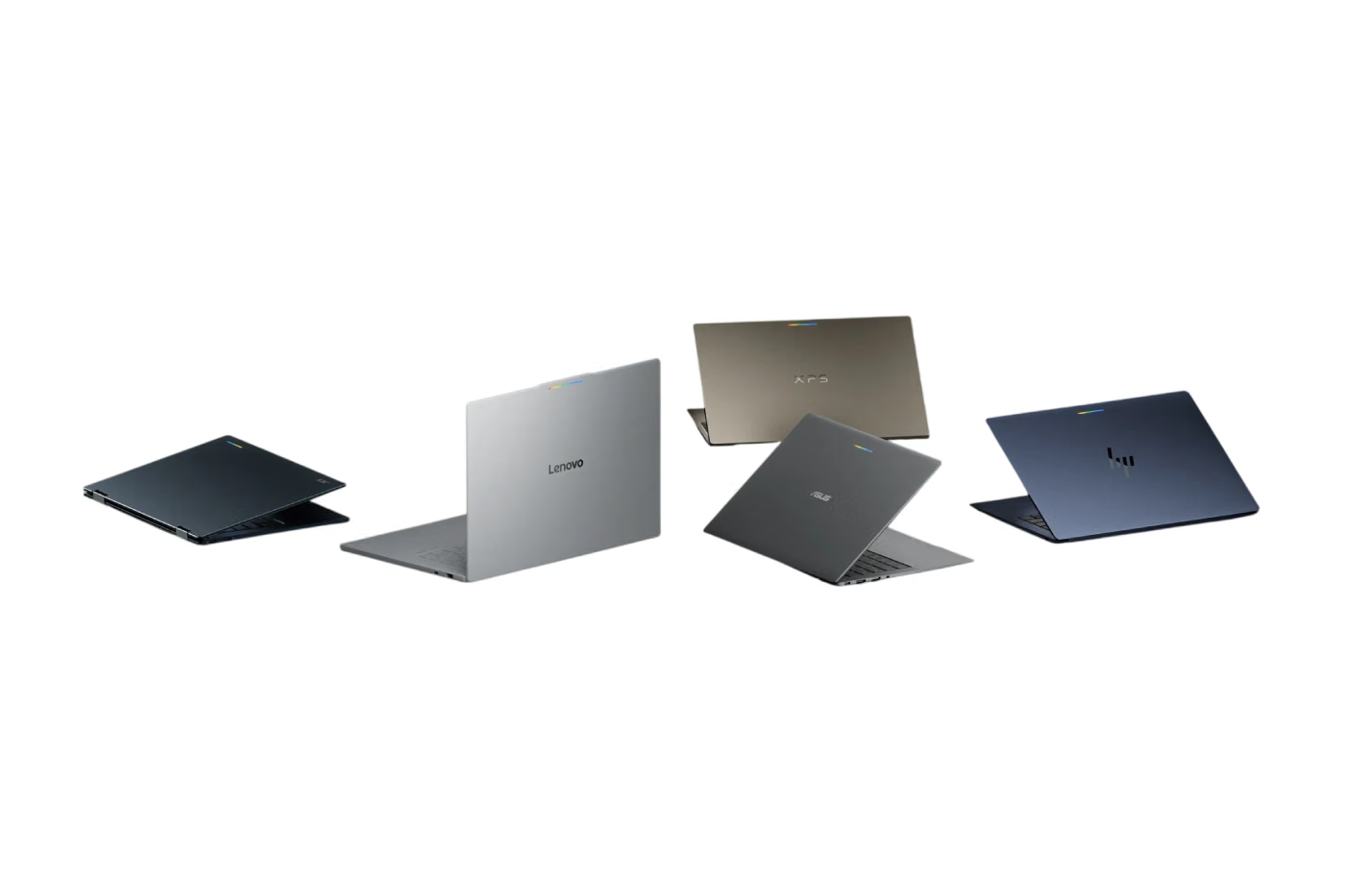

Google has introduced Googlebook, a new premium laptop category that brings together the Android technology stack and the desktop features associated with ChromeOS. Rather than simply replacing the traditional Chromebook, Google is positioning Googlebook as a new type of computer designed to connect closely with Android phones while putting Gemini AI at the center of the experience.
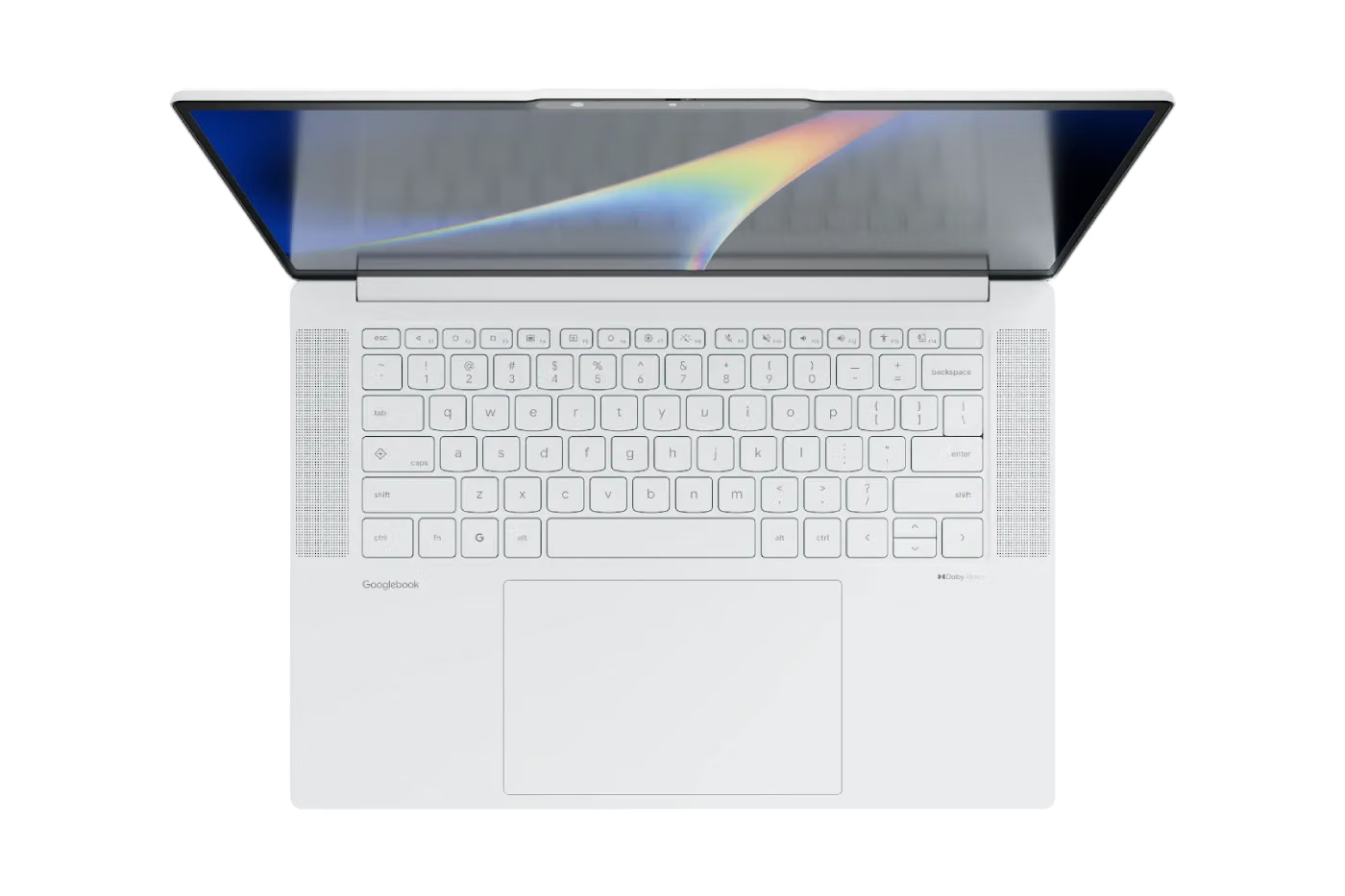
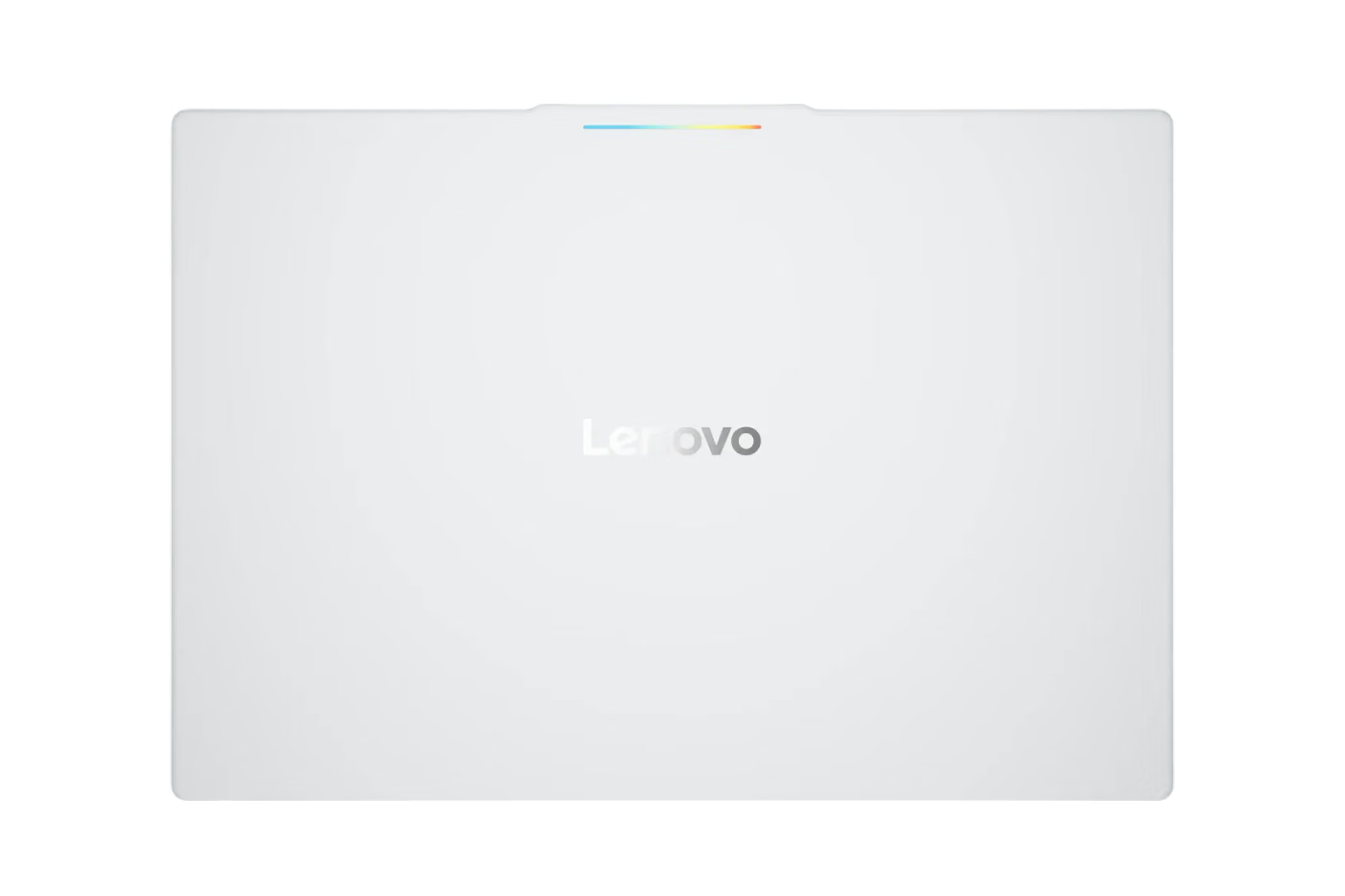
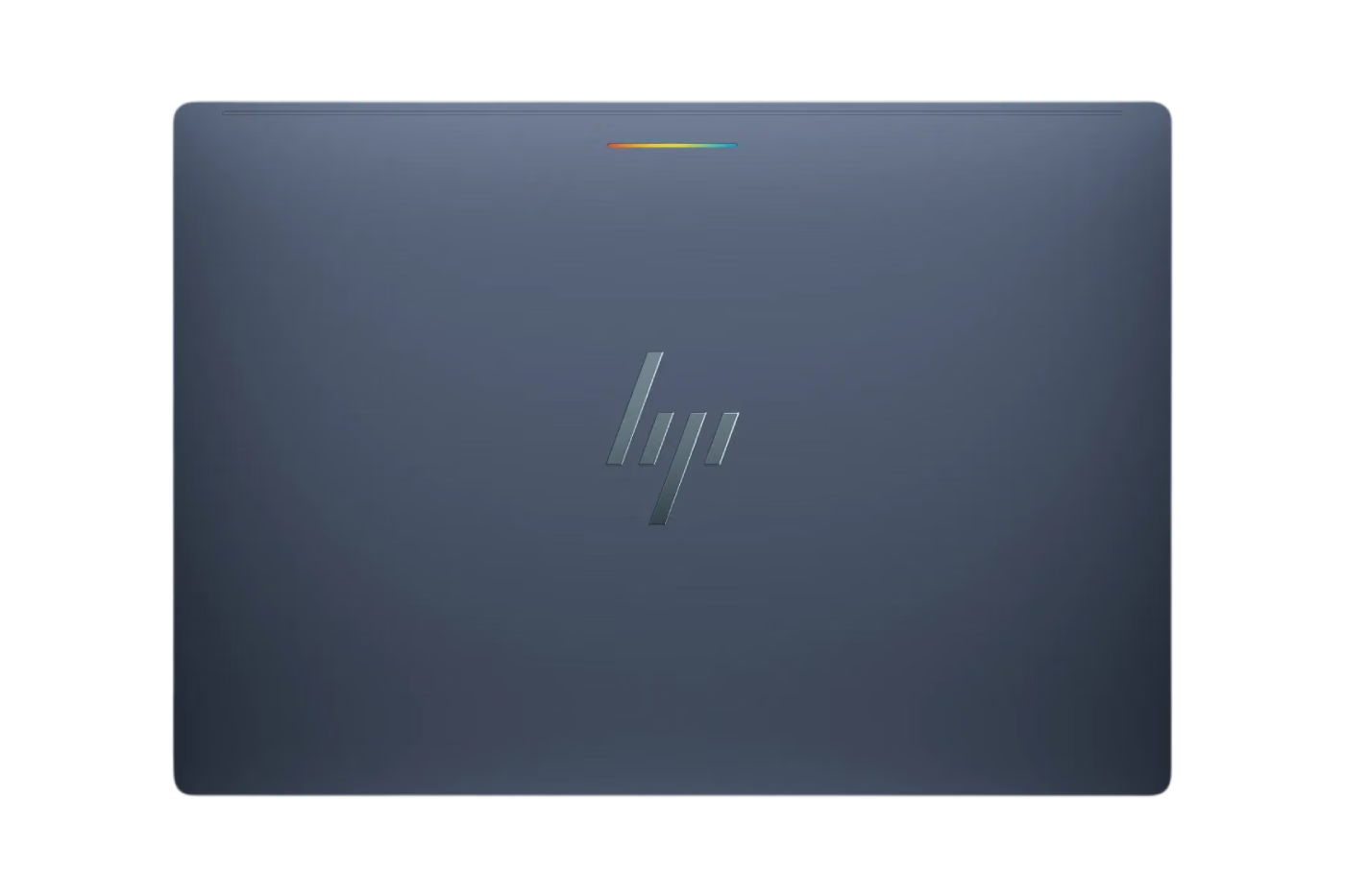
The first Googlebook laptops are being produced with several major computer manufacturers, including Acer, ASUS, Dell, HP and Lenovo. Google is working with these companies to deliver a range of premium devices rather than relying on a single design.
The hardware is aimed firmly at the high-end laptop market. Depending on the model, users can expect materials such as aluminum, magnesium alloy and carbon fiber, giving the machines a more premium build than many traditional Chromebooks.
The displays are also designed to compete with high-end Windows and Mac laptops. Some models feature touchscreens with resolutions reaching up to 2.8K, including OLED panels designed to deliver sharper images and deeper contrast. Haptic glass trackpads and backlit keyboards are also part of the hardware experience.
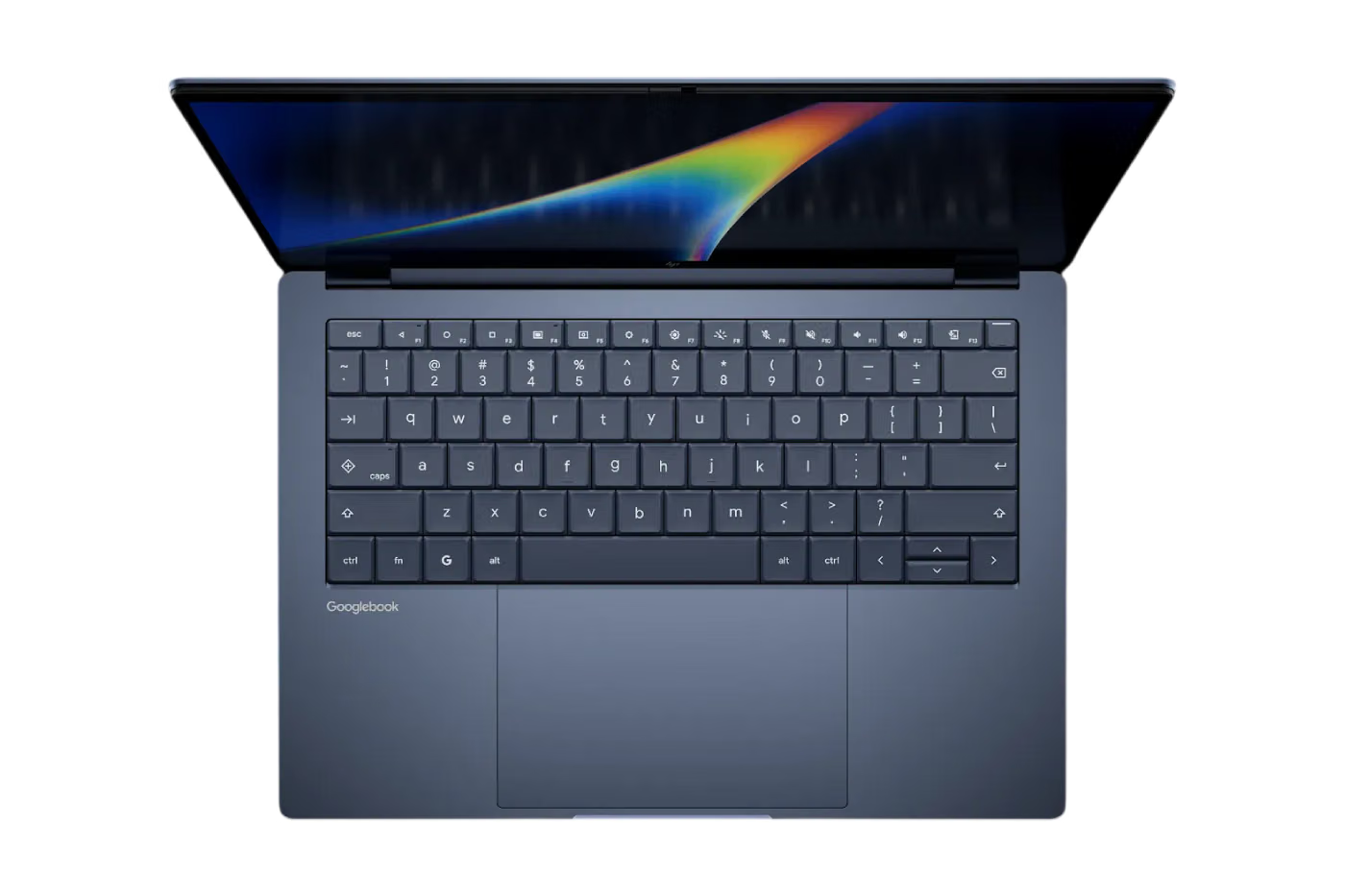
Performance is another major focus. Googlebook devices use high-end Intel and Qualcomm processors, paired with dedicated neural processing units capable of more than 45 trillion operations per second. These NPUs are designed to handle AI-related tasks directly on the device, helping Gemini and other features respond quickly without relying entirely on cloud processing.
Google says the combination of its hardware and software can provide up to 14 hours of battery life, giving users enough power for extended work sessions, entertainment and other everyday tasks.
Google is also bringing back the Glowbar, a feature that adds a visual element to the outside of the laptop. The light strip can indicate the remaining battery level and can also animate when Gemini is being used, giving users a quick visual signal that the AI assistant is active.
However, the biggest difference between Googlebook and a conventional laptop may be how closely it works with an Android phone.
Because Googlebook is built using the same underlying Android technology as the company's mobile devices, Google says setting up a new laptop can bring important information from a user's phone directly to the computer. This includes settings, saved passwords, Wi-Fi networks and messages, with the information protected using end-to-end encryption.
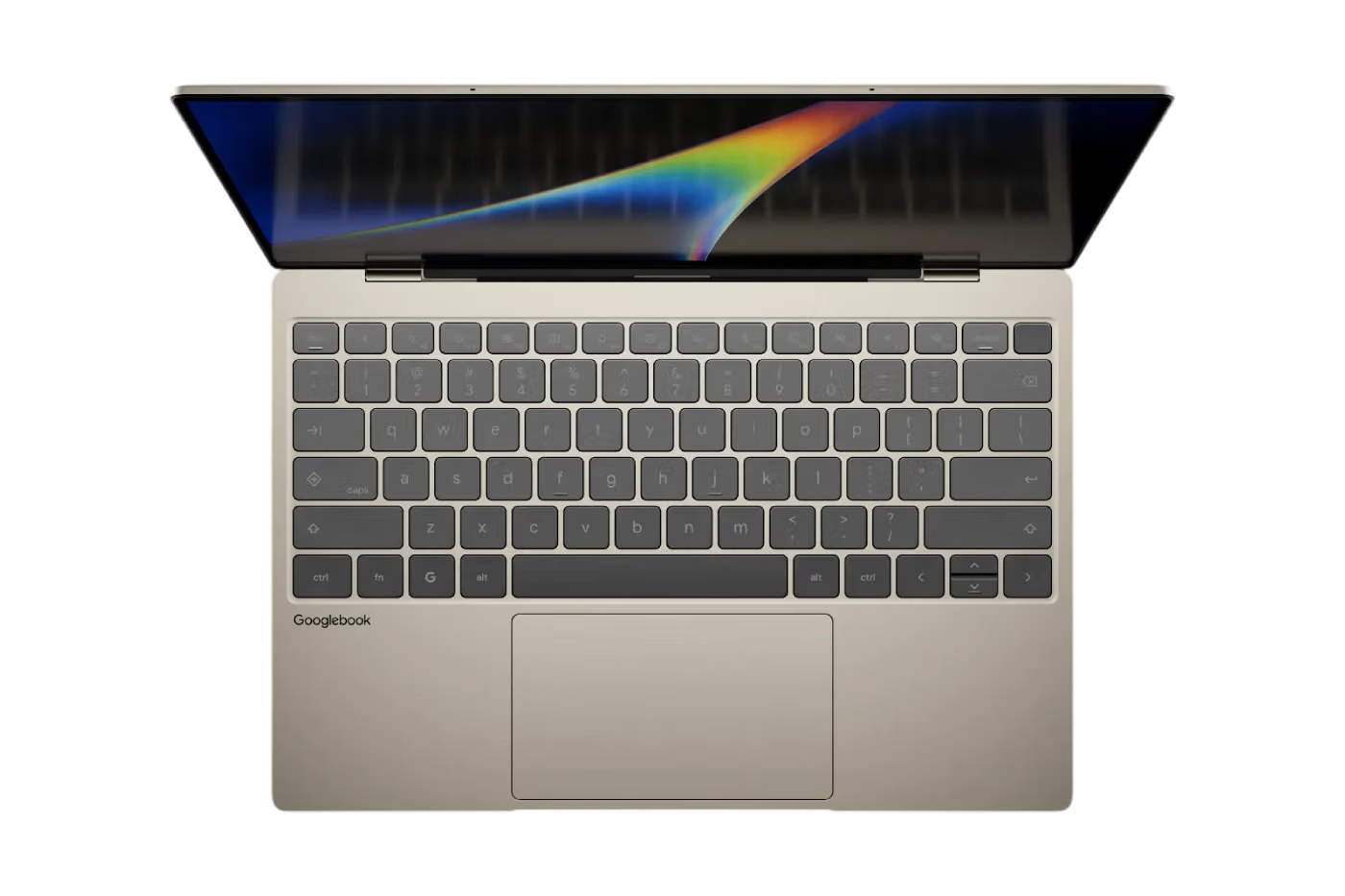
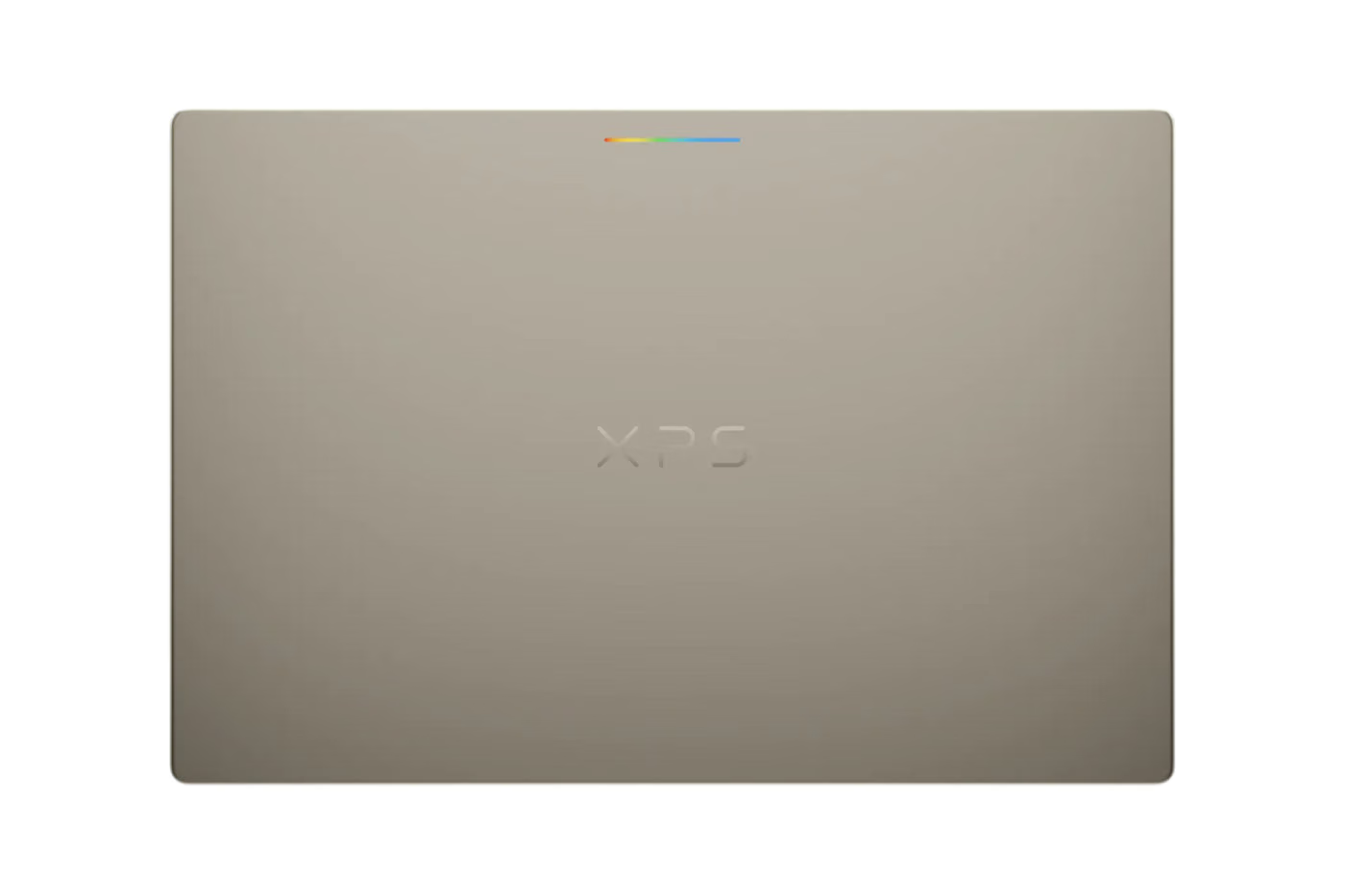
The connection between the phone and laptop continues after setup through several built-in features. One of them is Continue On, which allows users to pick up certain activities they started on their phone directly from the Googlebook taskbar.
The Files app provides another connection between the two devices. Instead of sending photos or documents to yourself through email or another service, users can access files and pictures stored on their phone from the laptop.
Google is also introducing Cast My Apps, which allows individual Android phone applications to appear in a desktop window on Googlebook. This could be useful for quick tasks that normally require reaching for a phone, such as opening an authentication app and copying a one-time security code.
Gemini is deeply integrated into the operating system as well. Google wants the AI assistant to feel like a natural part of using the laptop rather than a separate application that users have to open whenever they need help.
One feature called Magic Pointer allows users to bring Gemini into the current screen by moving the cursor in a specific way. The assistant can then interact with what is being displayed, but Google says it only takes action when the user requests it and can be turned off when it is not wanted.
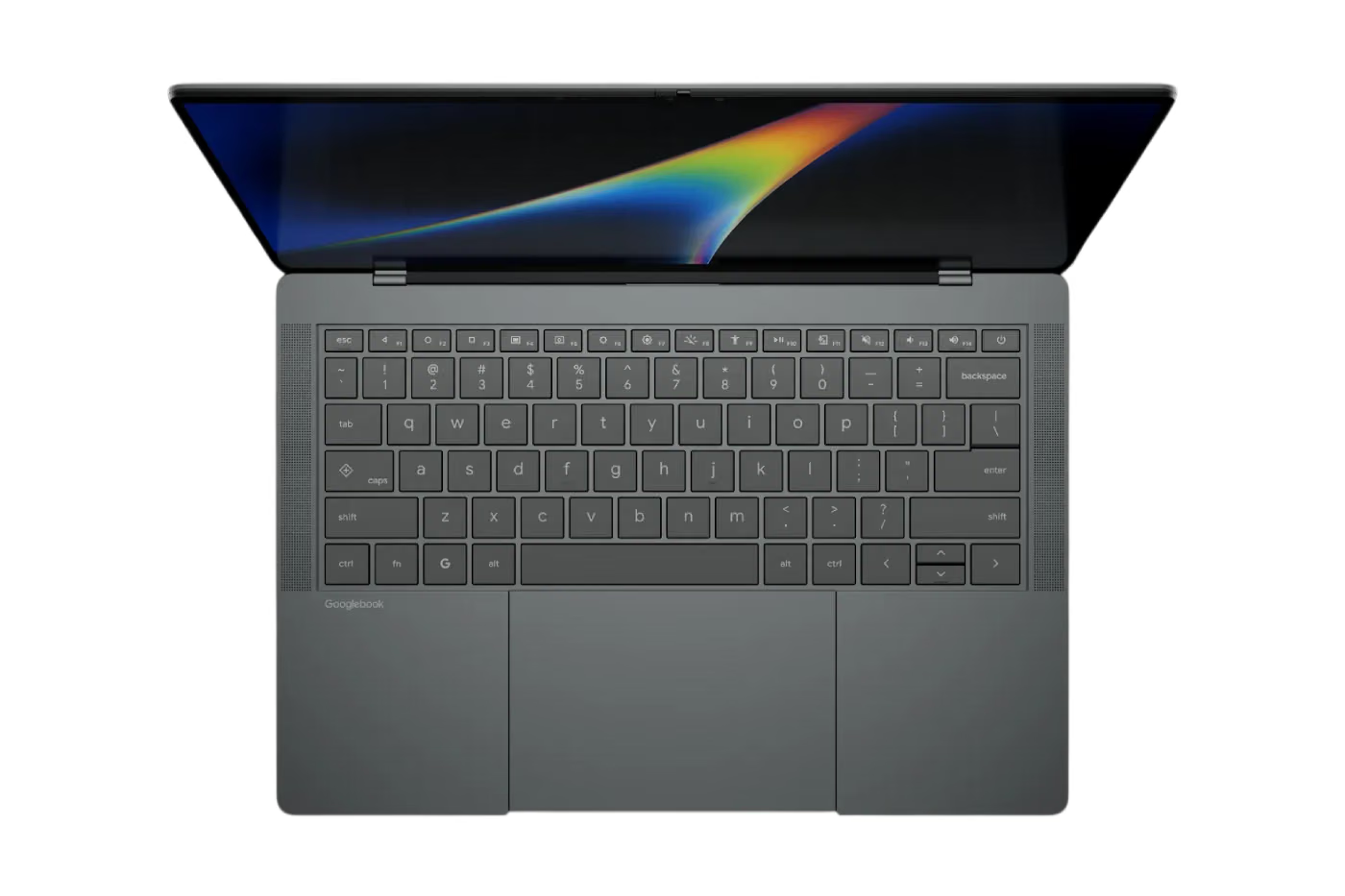
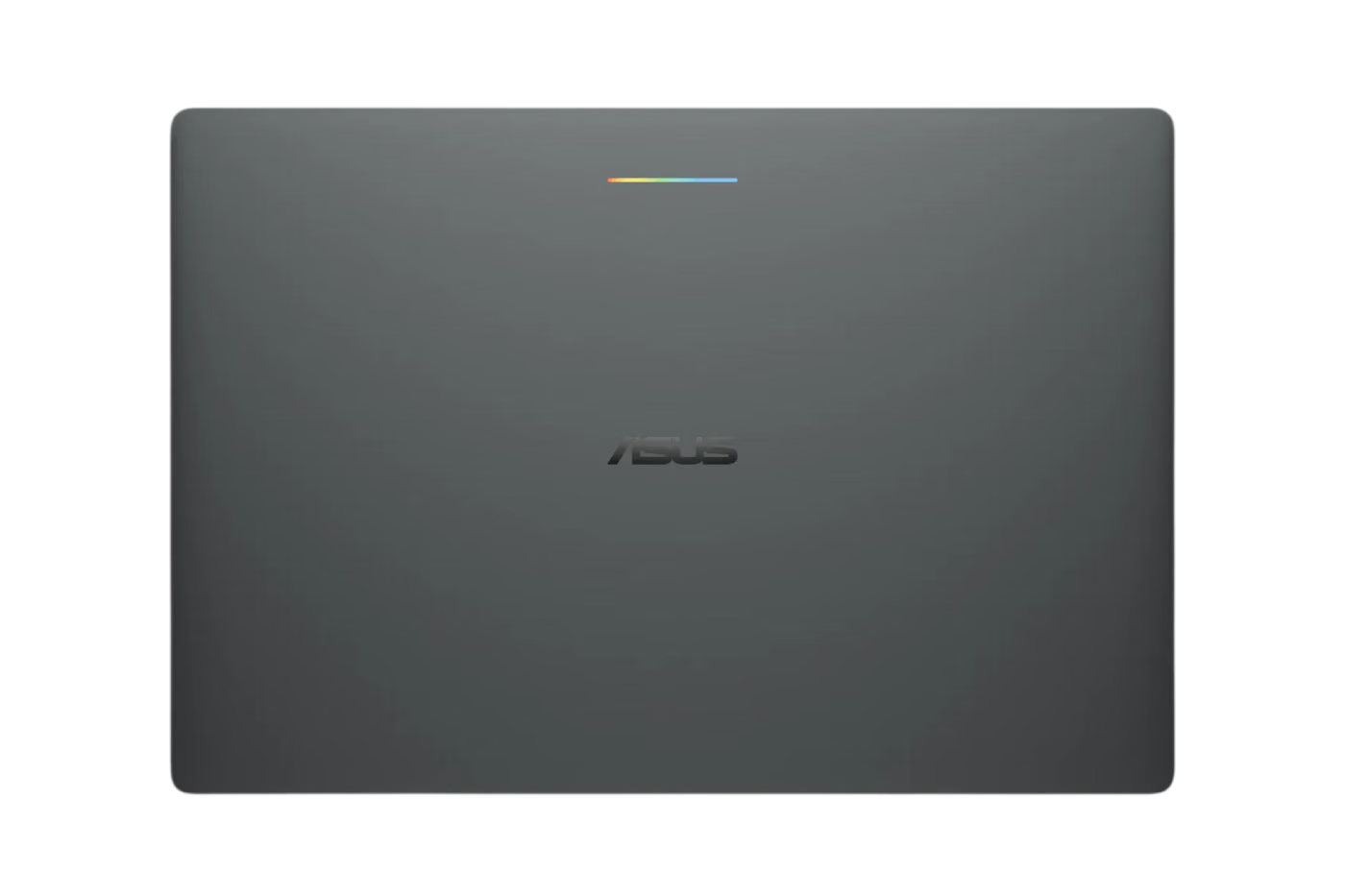
Another feature, called Rambler, focuses on writing. Located beside the Quick Insert key, Rambler can take spoken thoughts and turn them into more organized text. Google says it can produce structured writing with elements such as headings and checklists, including support for multiple languages.
Create My Widget takes the AI integration in another direction. Instead of requiring users to choose from a fixed collection of desktop widgets, the feature can generate customized widgets based on a description written in ordinary language.
Googlebook is not being positioned as an AI-only machine, however. Google also wants it to function as a complete desktop computing platform.
The laptop includes a desktop version of Chrome with support for browser extensions, while also giving users access to millions of Android applications. Google says many of those apps have been optimized to work better with larger displays, keyboards and mouse or trackpad controls.
The platform will also support major creative applications. Users will be able to run software such as Adobe Photoshop, Adobe Lightroom and CapCut, bringing tools that are commonly associated with traditional desktop computers to the Googlebook environment.
Entertainment is another major part of the platform. Streaming services such as Netflix and HBO Max can support offline viewing, while gaming extends across thousands of Android titles. Google is also offering a complimentary year of GeForce NOW, giving users access to cloud-based PC gaming without requiring the laptop itself to contain high-end gaming hardware.
Developers are also being given more advanced tools. Googlebook includes a full terminal environment, allowing developers to work with command-line tools and development workflows directly from the laptop. Google's Antigravity AI agent platform is also being integrated into the developer experience.
Security remains a major part of Google's pitch. The company is carrying over the security approach associated with ChromeOS, including Google's Titan hardware root of trust.
Google is also highlighting what it describes as a laptop-category first, with a Level 5 security-certified pKVM hypervisor designed to isolate a Linux environment from the rest of the system. The goal is to provide stronger separation between different computing environments while maintaining the flexibility users expect from a modern laptop.
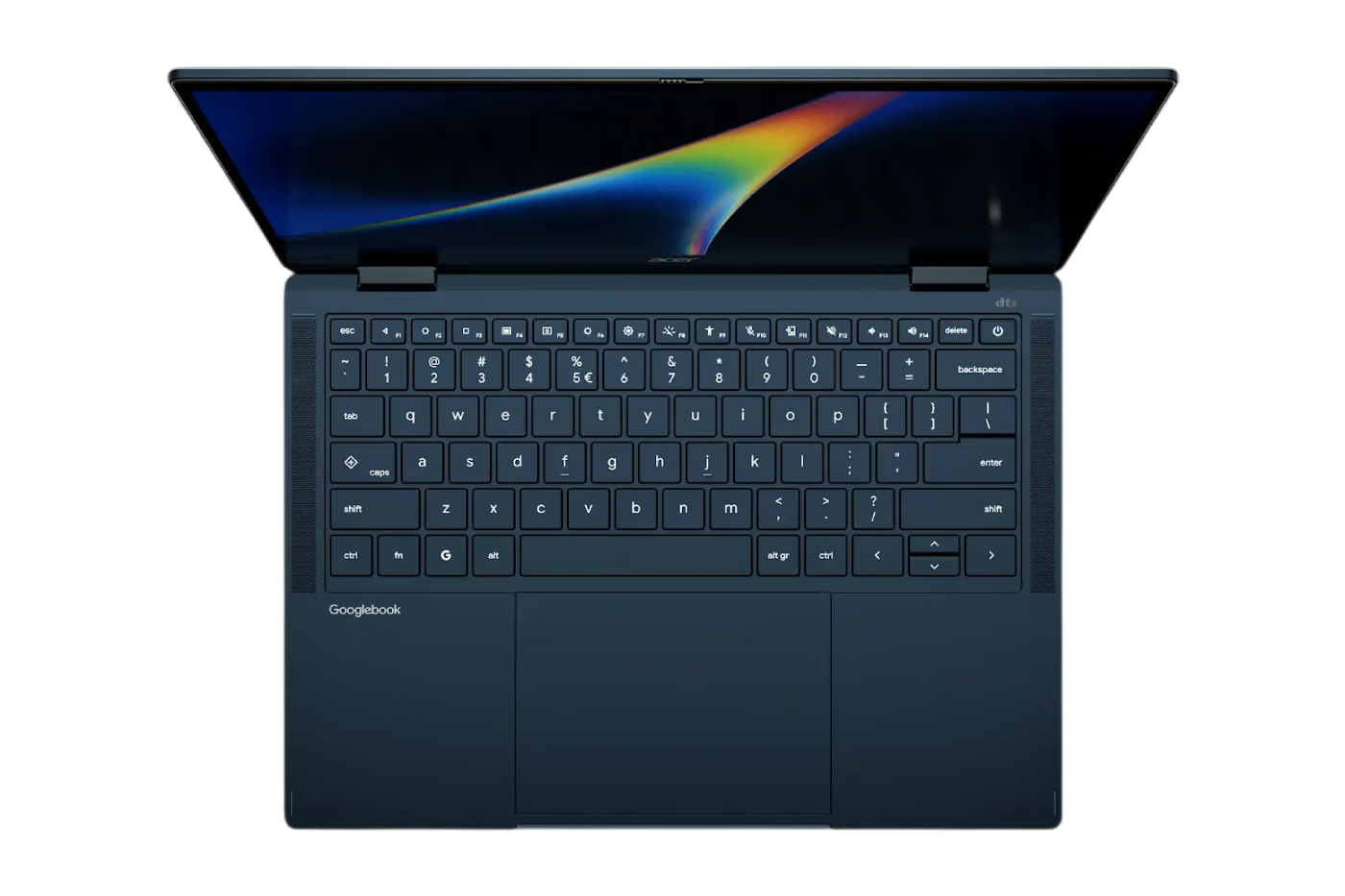
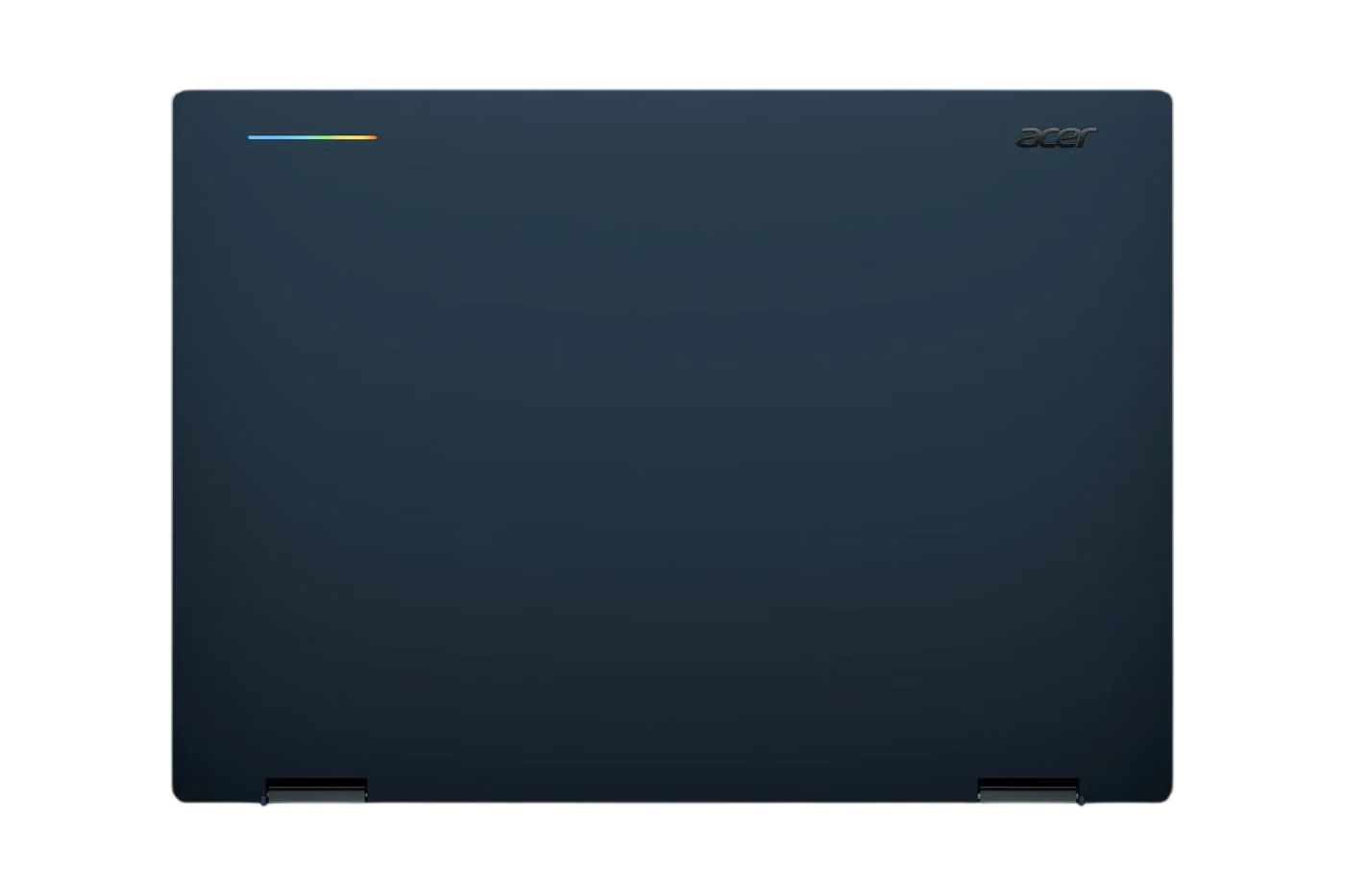
The combination of Android, desktop Chrome, Gemini and traditional laptop hardware represents a significant change in Google's approach to personal computing. Instead of treating a laptop and smartphone as separate devices, Googlebook is designed to make the two parts of the same ecosystem.
That approach could make the laptop particularly useful for people who already rely heavily on Android phones and Google's software services. Information can move between devices more easily, Android applications can be used alongside traditional desktop software, and Gemini is available throughout the operating system.
Google is now accepting pre-orders for Googlebook through the Google Store, Best Buy and other selected retailers. The first devices are scheduled to reach stores in the United States on October 4.
Availability will then expand internationally, with Googlebook scheduled to arrive on October 5 in Canada, the United Kingdom, Ireland, France, Germany and Australia.
With Googlebook, Google is effectively attempting to create a new middle ground between the simplicity of a Chromebook and the flexibility of a traditional premium laptop. Its biggest selling point is not simply the hardware, but the way Android, desktop computing and Gemini AI are designed to operate together from the moment users turn the machine on.