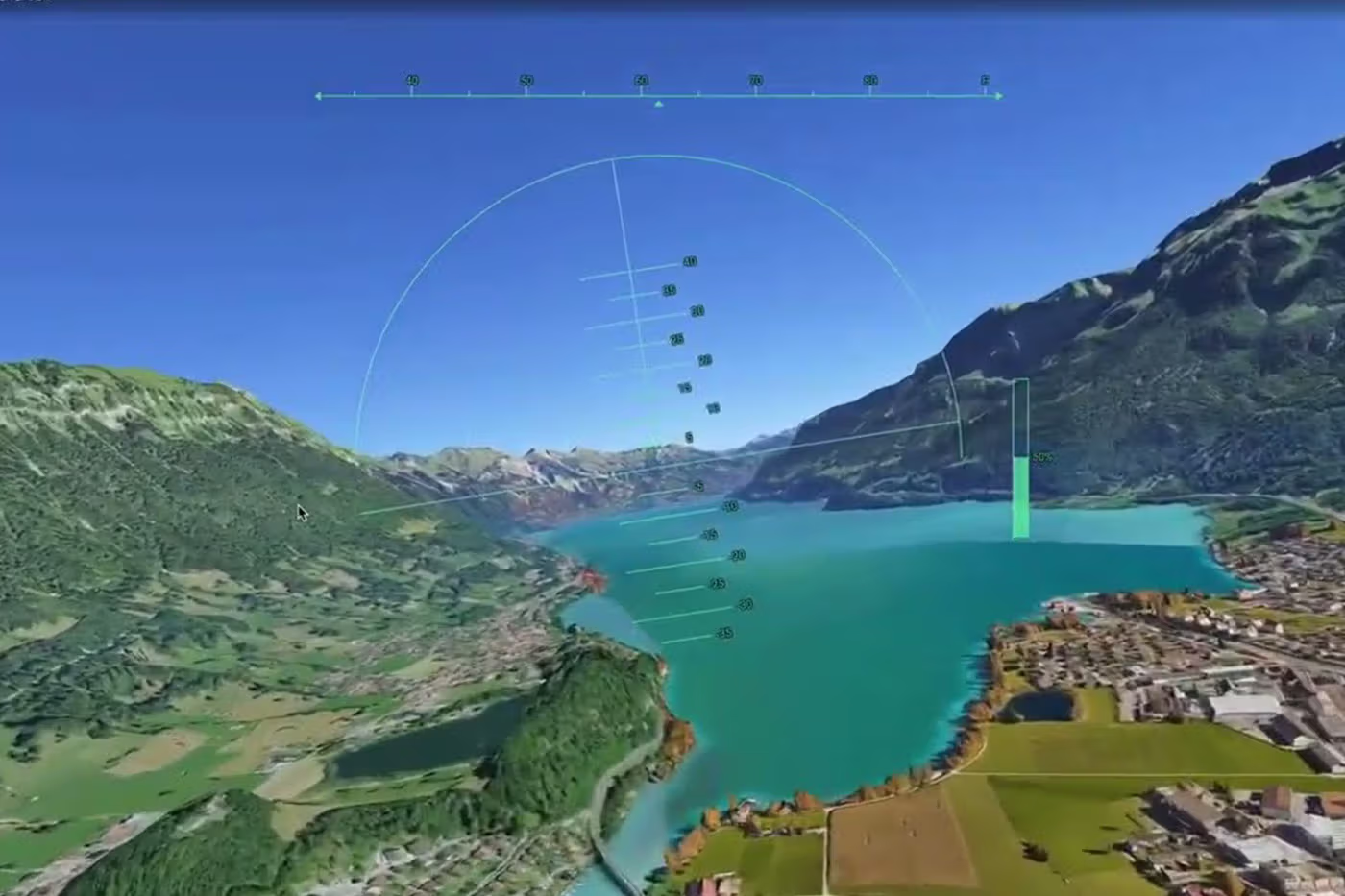

Google Earth has officially moved its well-known flight simulator from a hidden desktop feature into a fully accessible tool on web browsers. What began as an Easter egg inside the desktop version in 2007 has now been redesigned into a cloud-powered experience that anyone can use without installing software.
The update is part of Google’s broader effort to shift more of Google Earth’s advanced tools to the web. Alongside the simulator, the platform now supports professional mapping features, richer data layers, and improved developer tools, making it more powerful while remaining easy to access from any browser.
Users can launch the flight simulator by going to the “Explore Earth” menu and selecting the flight mode option. To get the full experience, the map switches to Satellite view, allowing realistic terrain, cities, and landscapes to load as the aircraft moves across the globe.
As users fly, the system dynamically streams high-resolution satellite images and 3D buildings in real time. This creates a smooth global flying experience that lets players travel across continents, cities, and famous landmarks without leaving the browser window.
The simulator is designed more for casual exploration than realistic aviation training. Unlike advanced flight games that focus heavily on physics and realism, Google Earth’s version prioritizes accessibility and sightseeing, allowing users to simply enjoy flying over real-world locations.
Controls are simple and mapped to a standard keyboard and mouse. The Page Up and Page Down keys control acceleration, while arrow keys manage direction, tilt, and altitude. This makes it easy for beginners to take off, fly around cities, and land without needing any prior flight experience.
Because the system relies on streaming global data, performance may vary depending on internet speed. In areas with low bandwidth or when flying over highly detailed regions, users may notice brief delays as terrain and buildings load into view.
The simulator is also forgiving when mistakes happen. If a user crashes into the ground or loses control, the system does not end the session. Instead, it automatically pauses the simulation and resets the aircraft to a safe flying position so users can immediately continue.
By bringing this feature to the web, Google is combining entertainment with its powerful mapping technology. The result is a more interactive version of Google Earth that blends exploration, education, and casual gameplay into a single accessible experience.